 EaseShelf
EaseShelf
Stock, sales and daily records
Keep every product in its place. Track stock by color and size, record sales and purchases, review your profit, and export inventory and transactions to Excel.
The download link will be added when the store listing is available
EaseShelf
Features and usage
EaseShelf is an inventory and sales tool built for the everyday work of small shops. From adding products to selling, receiving stock and taking inventory, keep a clear record of what changes each day.
KEEP PRODUCTS ORGANIZED
Add photos, categories, SKUs and barcodes to your products. Find items by name, SKU or barcode, and set low-stock thresholds to see what needs replenishing.
TRACK EACH VARIANT SEPARATELY
Give each color and size its own selling price, cost, barcode and stock level. Create variant combinations, filter by attributes and update values in bulk to reduce repetitive entry.
RECORD SALES, UPDATE STOCK
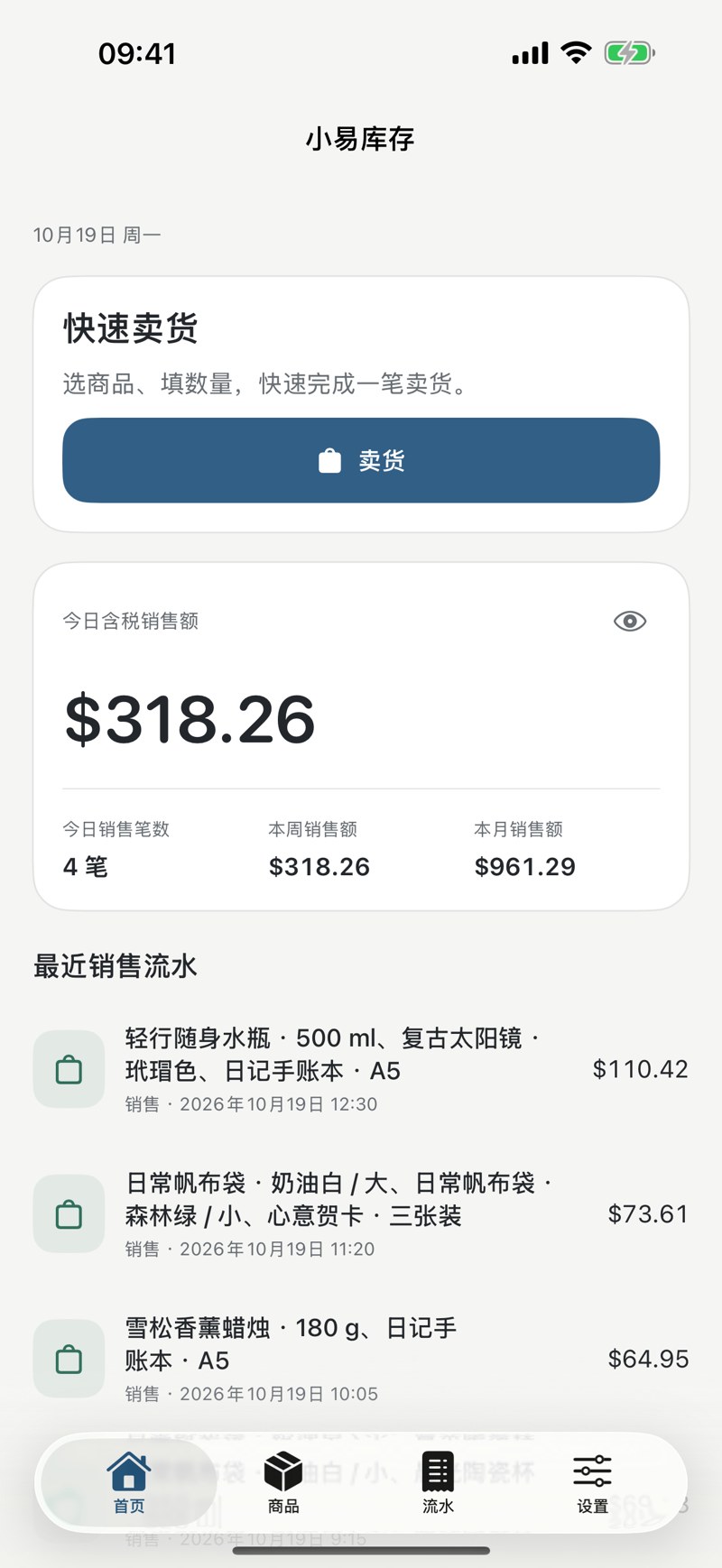
Choose products and variants, enter quantities and record a sale. Include discounts, sales tax and payment methods, and handle partial or full returns.
RECEIVE AND COUNT WITH CONFIDENCE
Record purchase quantities and costs by variant. Sales use first-in, first-out costing. Stock counts start with your recorded quantities: enter the actual amounts to record any differences, with filters and bulk entry to help.
SEE SALES AND PROFIT CLEARLY
Review sales, gross profit, purchase totals and sales tax by day, week, month or year. Browse sales, stock receipts, returns and stock-count records by category.
EXPORT INVENTORY AND TRANSACTIONS
Export current stock for every product and variant in one step. Export transactions by day, month or a custom date range, and choose the record categories you need. Excel files include clear column headings for easier checking and organization.
LOCAL RECORDS, READY WHEN YOU ARE
Use everyday inventory and sales features offline, without creating a separate account. Choose from 11 interface languages and multiple currency units to suit the way you work.
Organized products. Clear stock levels. A calmer day in your shop.
Inside the app
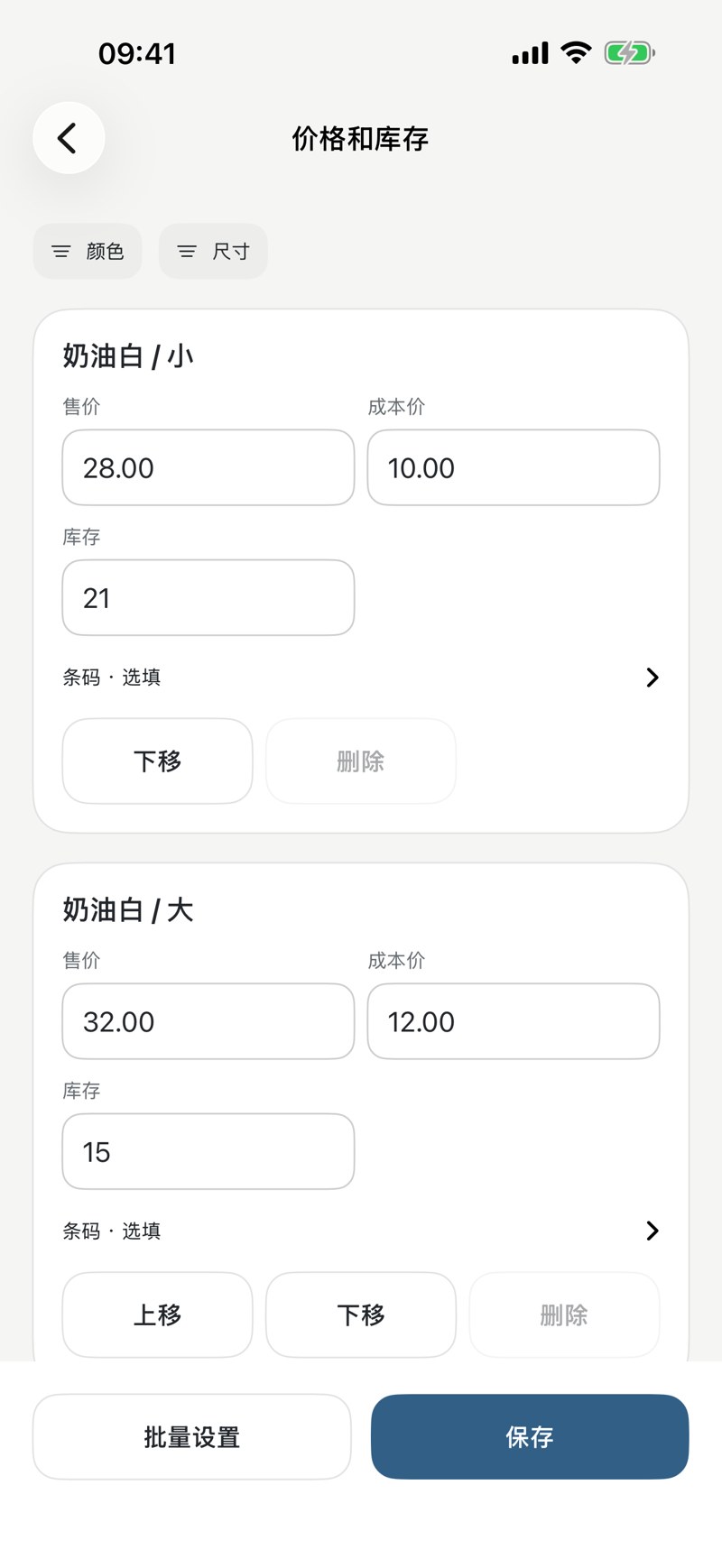
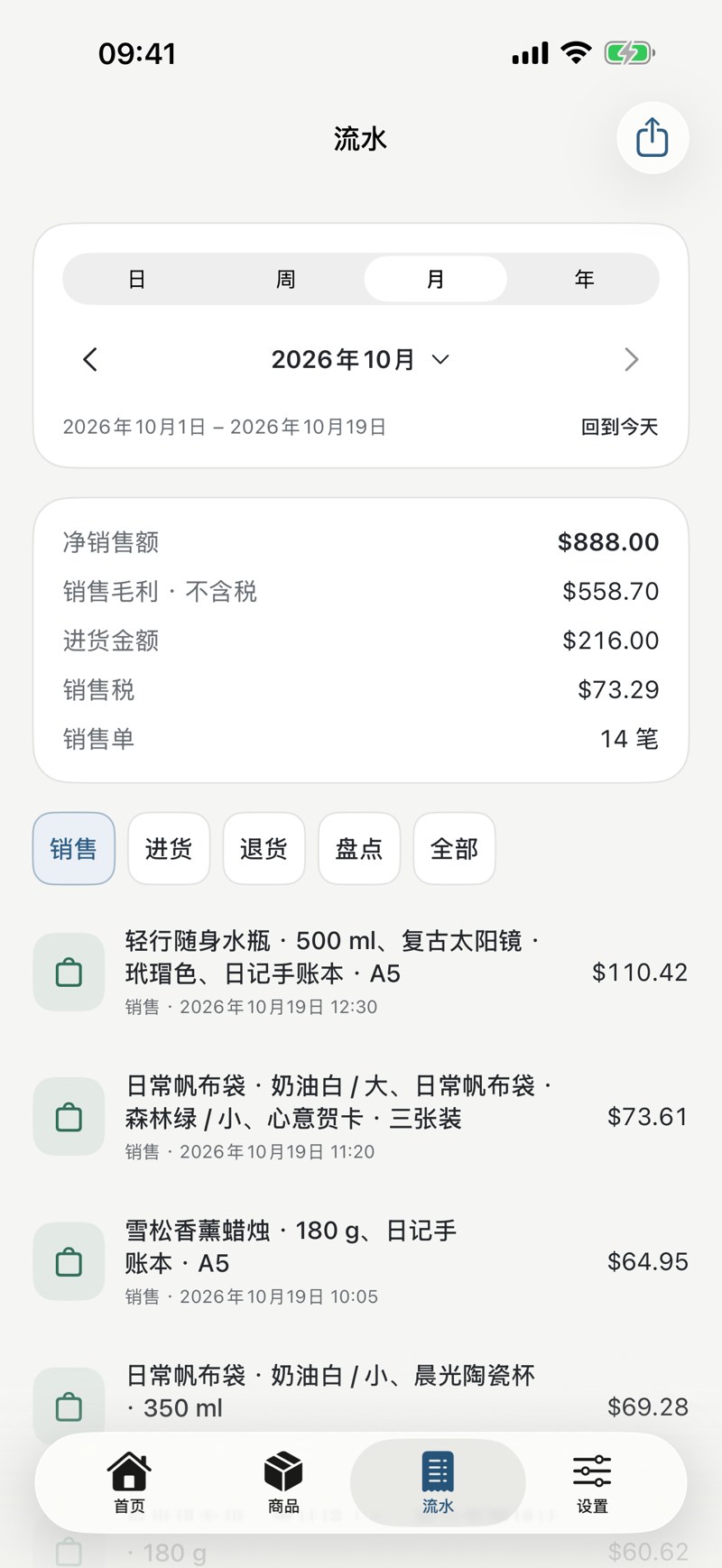
Screenshots use sample data; some screens are shown in Simplified Chinese. Interface languages depend on the app.
EaseShelf
Ask about availabilityThe download link will be added when the store listing is available