 PDF Master
PDF Master
Merge, OCR, Sign & Convert
Turn photos, scans and existing PDFs into documents ready to save and share. Organize pages, annotate, fill forms, sign and export on your device. No app account needed.
The download link will be added when the store listing is available
PDF Master
Features and usage
PDF Master makes everyday document tasks easier.
Bring photos, screenshots, paper scans and existing PDFs together. Organize pages, add annotations and signatures, then save or share your document. Useful for study materials, applications, forms and work files.
CREATE PDFS FROM PHOTOS AND SCANS
Import photos, screenshots and local images, or scan paper documents. Adjust images per page, paper size, margins and image quality.
ORGANIZE PAGES
Combine materials, reorder pages, rotate, crop or extract the pages you need.
READ AND ANNOTATE
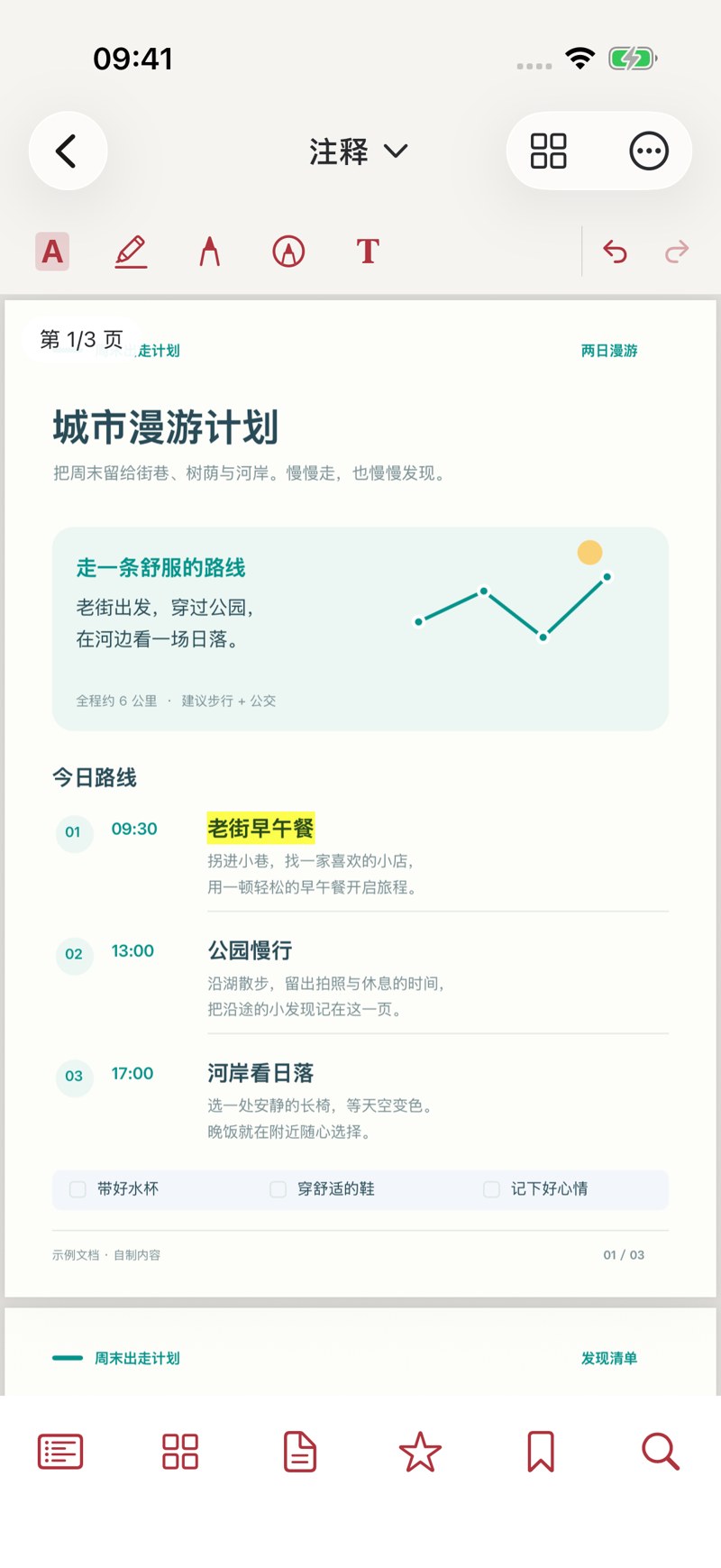
Read and search PDFs. Add bookmarks, highlights, underlines, text and shape annotations to mark important content.
FILL FORMS AND ADD SIGNATURES
Fill existing forms and add handwritten, typed or image signatures. Save signatures on your device for reuse.
RECOGNIZE TEXT AND EXPORT
Recognize text in images and scans and create searchable PDFs. Export PDF, Word, Excel, PowerPoint, images, plain text and HTML.
PROCESS ON YOUR DEVICE
No app account is required. Documents are processed on your device, without cloud conversion or sync, ads or usage analytics. Importing does not alter your original photos or external files.
FREE FEATURES AND PRO
Reading, search, bookmarks, basic annotations, filling existing forms, basic signatures and sharing existing PDFs are free. Free exports include a generated-by header with the app name.
PRO unlocks all processing tools and removes the header from new exports. Choose a monthly subscription, yearly subscription or lifetime purchase. There is no trial based on a number of processing uses.
Eligible subscribers can receive a 3-day free trial. After the trial, subscriptions automatically renew at the price and period shown on the purchase page unless canceled beforehand. Apple determines eligibility; one introductory offer is available per subscription group.
Lifetime access is a one-time purchase without auto-renewal. Buying lifetime access does not cancel an existing subscription; manage it separately in Apple subscription settings. Apple handles purchases. Restore active subscriptions and lifetime purchases with the same Apple Account.
PLEASE NOTE
Text recognition depends on source clarity, language and layout. Office exports mainly extract text or page images; complex layouts may need adjustment. Signatures are graphical or handwritten marks, not certificate-based digital signatures.
Inside the app
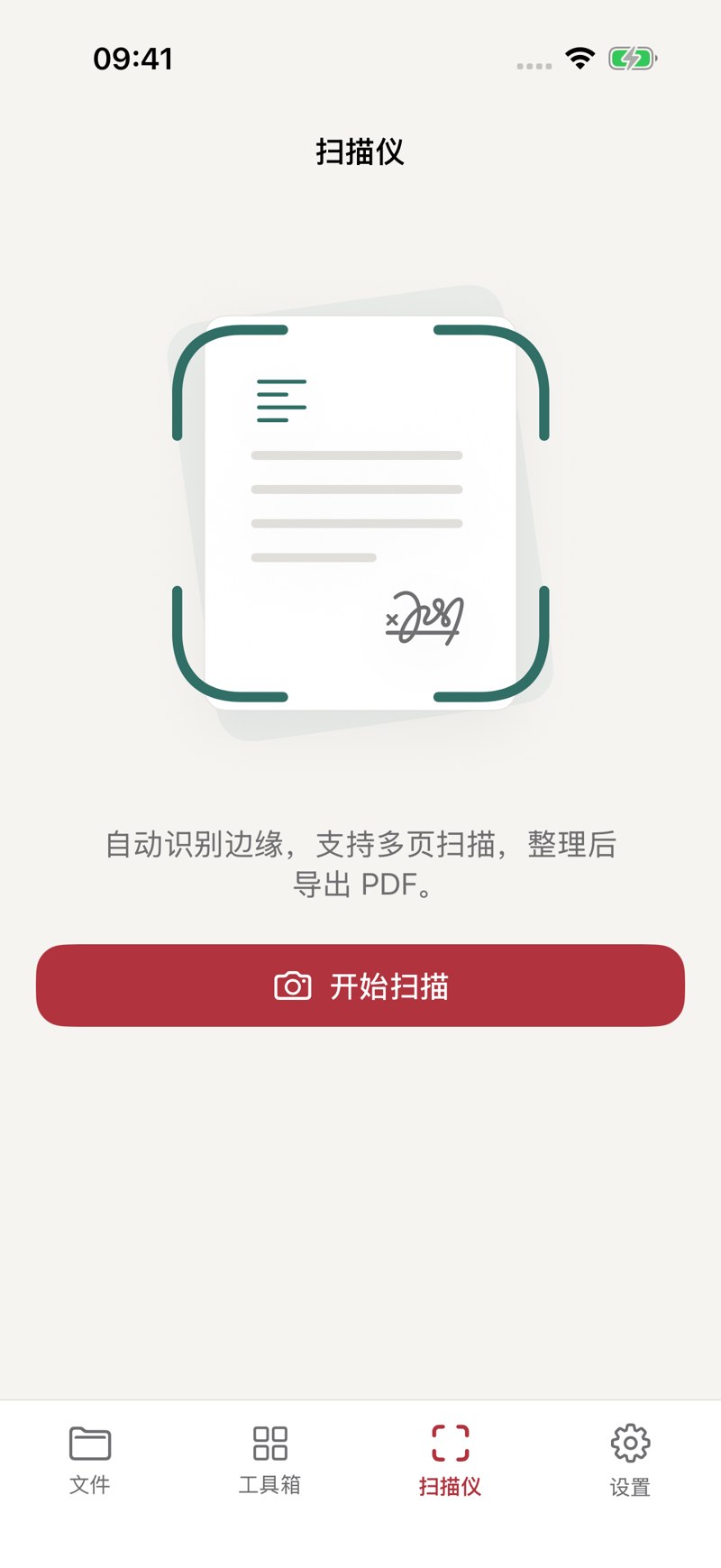
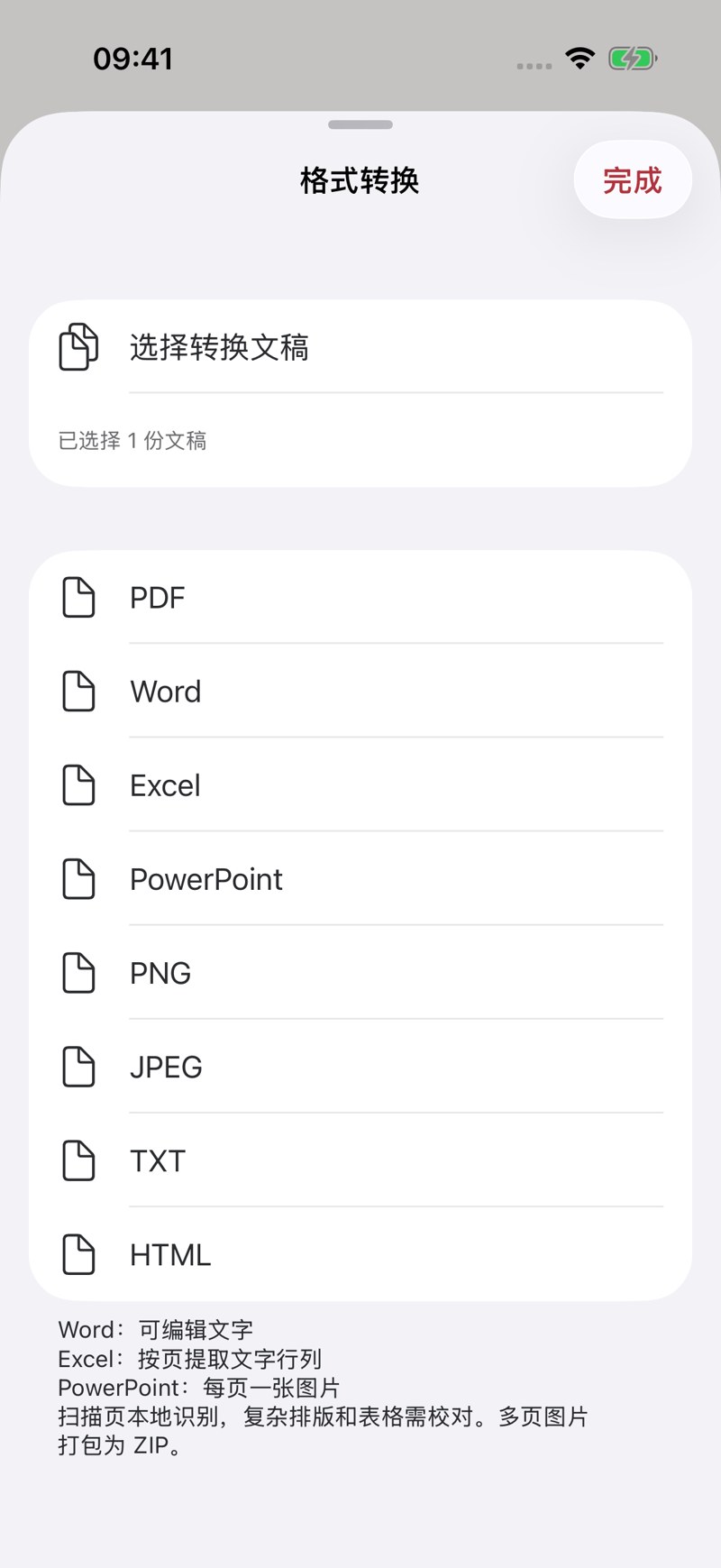
Screenshots use sample data; some screens are shown in Simplified Chinese. Interface languages depend on the app.
PDF Master
Ask about availabilityThe download link will be added when the store listing is available